Every guest's view of your wedding
Guests shoot from their tables. Everyone sees the photos the morning after.
Scan with your iPhone camera to open the App Store.

 Scan to join
Maya & Leo
Guests join from the table
Guests scan a table card and shoot in an App Clip. Nothing to install. Needs an iPhone with iOS 18 or later. Android app is coming soon.
Print kit included:
- 5×7 invitation
- 4×6 table cards
- Poster
Plan your roll
- Guest capacity
- Count everyone who'll shoot. Add more during the party.
- Shots per guest
- Fewer shots make each one count.
- The reveal
- 10 a.m. the morning after, or any time you pick.
- Your review
- Only you see the photos first. Remove any you like.
See a wedding gallery
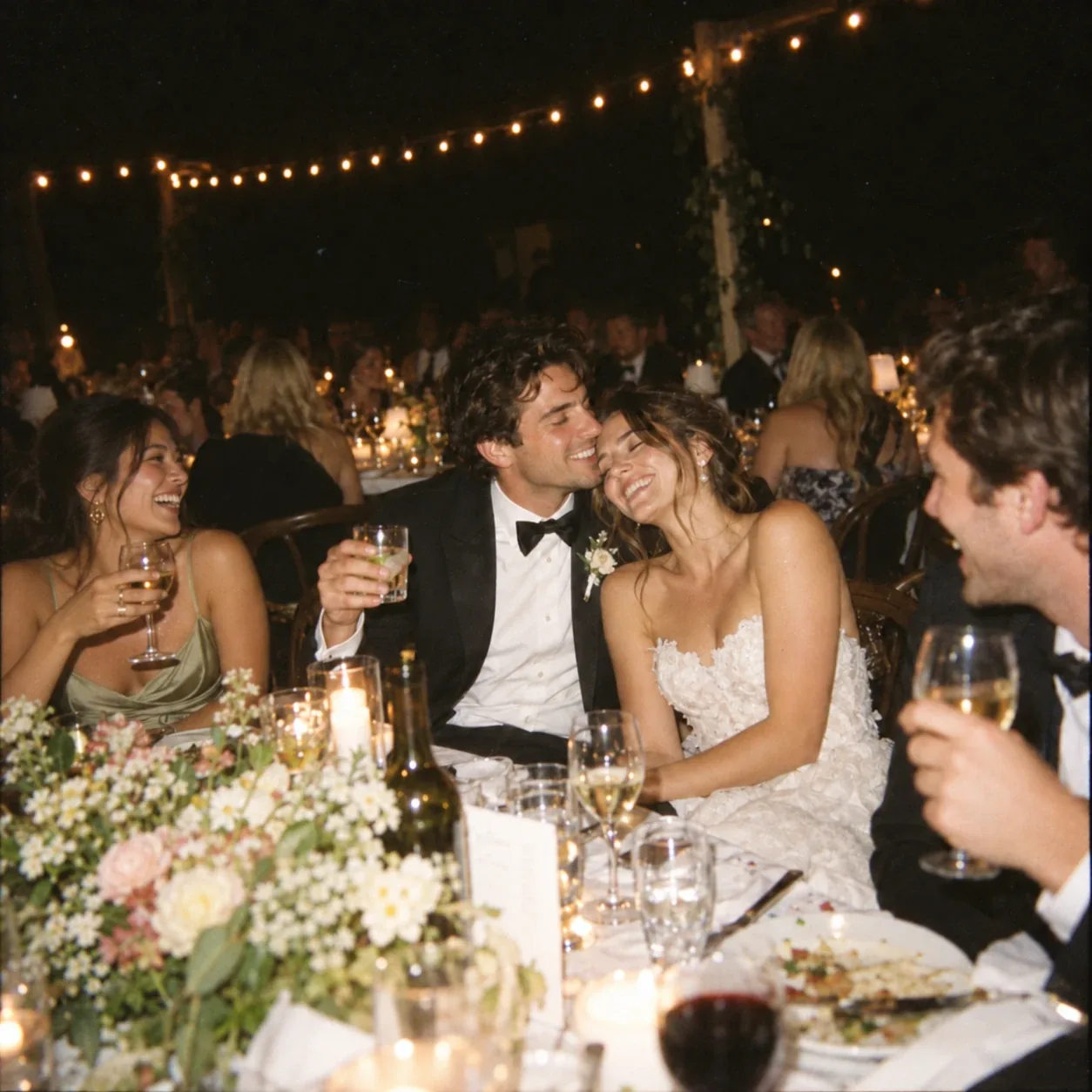
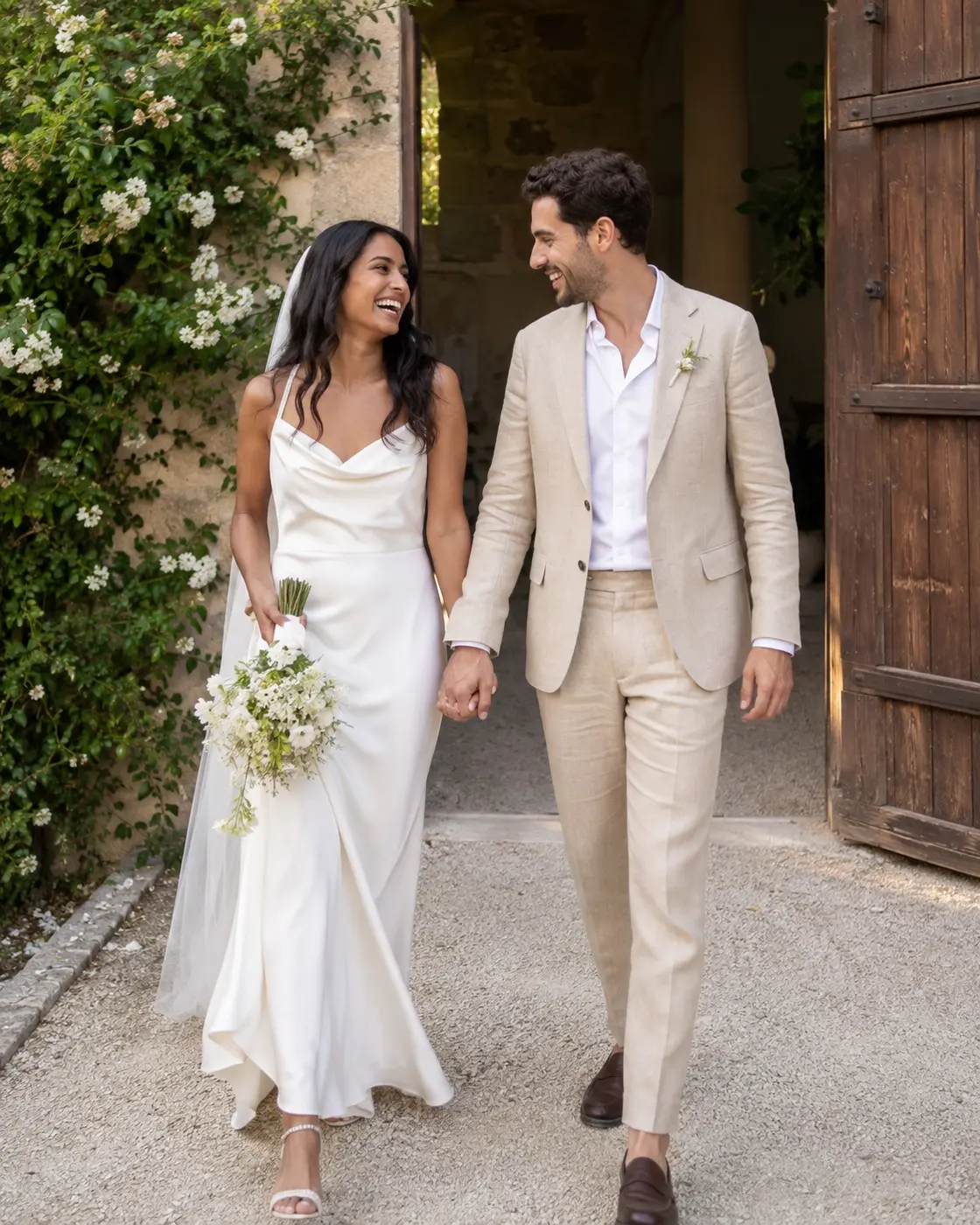
Maya and Leo's wedding, shot by their guests.
Open the galleryWhat Aftercam costs
One purchase covers the whole wedding.
Questions
The reveal time is when the gallery opens for your guests, and it opens on its own — you do not have to be there. Guests see nothing before then. The roll closes first, and whatever gap you leave between the two is your window to review the photos privately, so set the reveal well after your event if you want time to curate.
You see every photo guests uploaded. All are kept by default — open or select a photo to remove it. Removing a photo keeps it out of the revealed gallery. It never changes what the event costs — you paid for the event when you created it, not for the photos you kept.
Keep shooting. Every photo is saved on your iPhone first and uploads once you are back online while Aftercam is open. If you closed it, open it again to finish uploading. A photo saved before the roll closes can still finish uploading after it.
If the host shares the gallery by link, you can open the revealed gallery in any browser: view, download, and watch the reel. Shooting is limited to an iPhone with iOS 18 or later for now, so hand the moment to a friend with one.
Make one for your wedding
Free for small events.
Scan with your iPhone camera to open the App Store.